Welcome
This page contains a full description of each feature. You should read the documentation before using the program. If you use the free version, you will not have some of these features.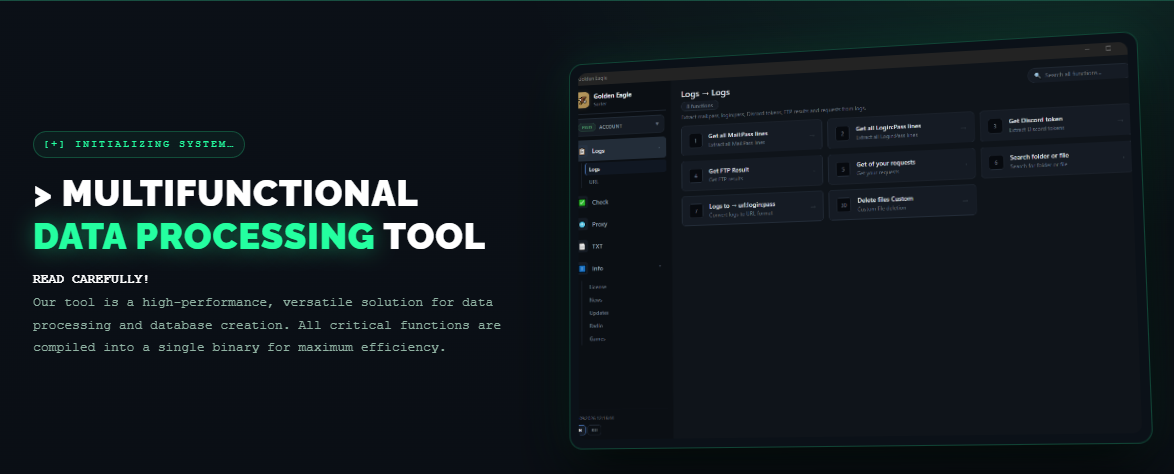
Tip
Use the search box in the left sidebar (or press
Ctrl+K) to quickly find
any page by title or content. Press ESC to close the search.The documentation is divided into clearly named sections so that you can:
- get started in minutes with a guided first-run experience,
- learn each feature in depth with screenshots and examples,
- look up configuration options and advanced scenarios when you need them.
Getting started
Before you can explore the interface, you need to install and launch the application.
1. Download the program
Obtain the latest release from the official distribution channel provided by your administrator or from the project's release page.
2. First launch
When the application starts, a window opens with the main interface.
Each section of the application is described in its own page of this guide. You can reach them from the sidebar on the left.